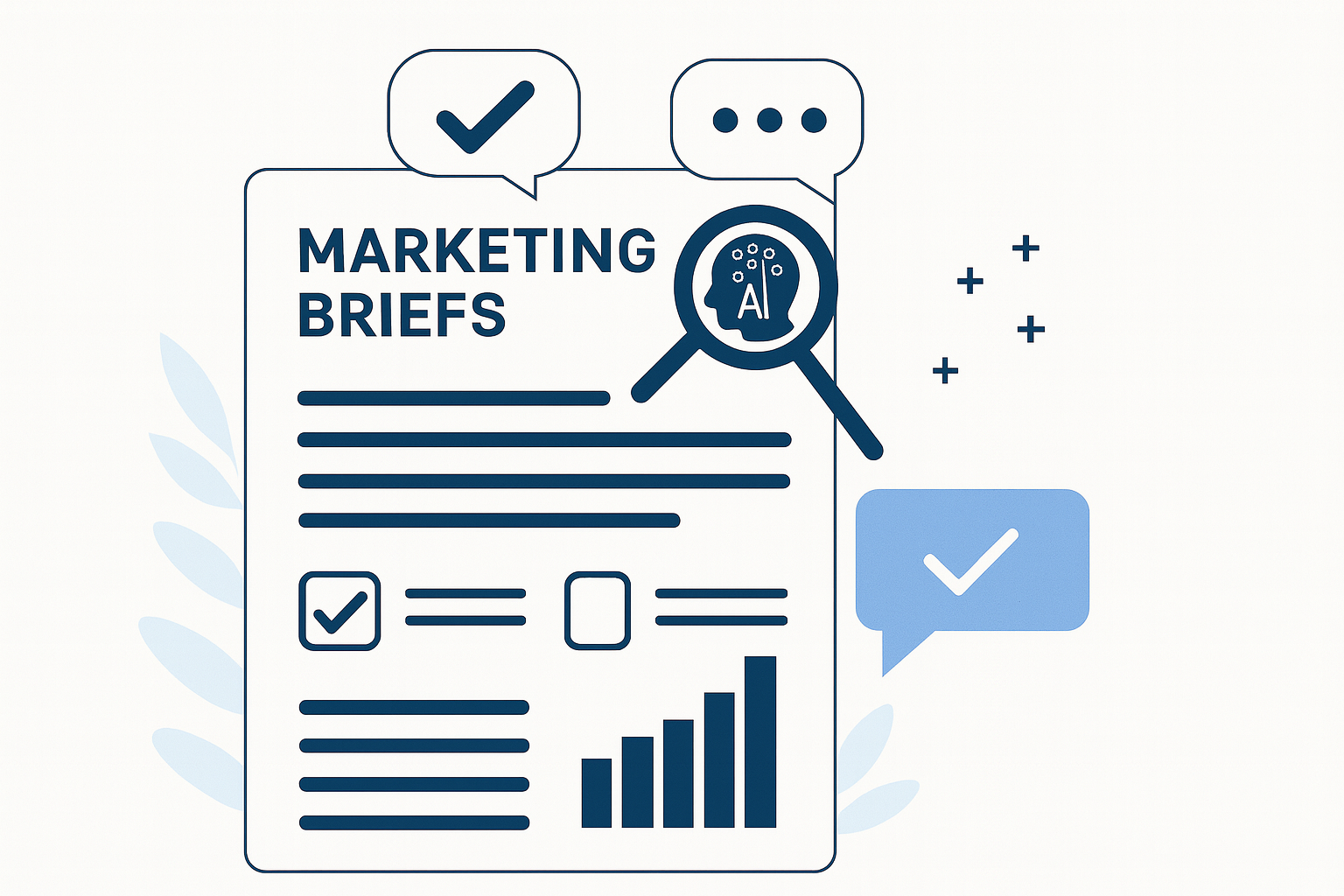
Marketing approval checklists are structured sets of review criteria that reviewers complete before approving a piece of content. They make sure every campaign, asset or communication is assessed against the same requirements - covering brand, legal, compliance and product checks - so nothing slips through before publication.
For teams managing high volumes of digital, print and video work, checklists turn an inconsistent, memory-based review into a repeatable process. This article explains what approval checklists are, why approvals fail without them, what to include, how they work in practice, and how they strengthen compliance and reduce rework.
Read more
The most common bottlenecks in a marketing approval process are incomplete briefs, too many approvers, scattered feedback, slow compliance reviews, and overloaded creative teams. Each one is fixable — usually with a mix of clearer process and purpose-built marketing approval workflow software. This guide covers all five: the symptoms that signal each, the practical steps that get content moving again, and how the fixes change at scale for regulated and global marketing teams.
What causes bottlenecks in the marketing approval process?
Approval bottlenecks form wherever work piles up faster than it can move to the next stage. In most marketing teams that happens at five predictable points: the brief, the approval chain, the feedback round, compliance sign-off, and team capacity. Working out which of the five is slowing you down is the first step to fixing it.
It helps to picture the journey a piece of content takes before it goes live. Strategists set the direction, designers and copywriters produce the work, legal and brand stakeholders review it, and a final decision-maker signs it off. A bottleneck is simply the point in that chain where the hand-off stalls — and it is almost always a symptom of a structured process being run through unstructured tools.
Read more
Effective collaboration is one of the strongest predictors of marketing performance — and one of the hardest things to get right across marketing, creative, legal and compliance teams. Simple Admation is a marketing project management platform that gives creative teams the structure collaboration depends on: shared briefs, visible workloads, consolidated feedback and tracked approvals in one system.
Why Creative Collaboration is a Strategic Imperative
Marketing teams are no longer just campaign execution units. They're brand guardians, customer experience drivers, compliance navigators, and content engines. All of that requires high-quality collaboration — not only between creatives, but across Marketing, Legal, Brand, Compliance, and external partners.
Poor collaboration slows delivery, weakens brand impact, increases compliance risk, and leads to team burnout. In an environment of constant change, the ability to collaborate effectively is one of the most durable competitive advantages a marketing team can build.
Read more Simple Asset Manager was named one of the best digital asset management software platforms in Research.com's 2025 rankings, recognised for its smart AI search and auto-tagging capabilities that help teams easily find, manage, and use their content.
Research.com evaluates platforms based on expert reviews, user ratings, and market performance. The 2025 recognition highlights Simple Asset Manager's commitment to helping marketers, creative teams, and enterprises simplify asset workflows through smart, easy-to-use tools. Its automation and collaborative features continue to raise the bar in digital asset management.
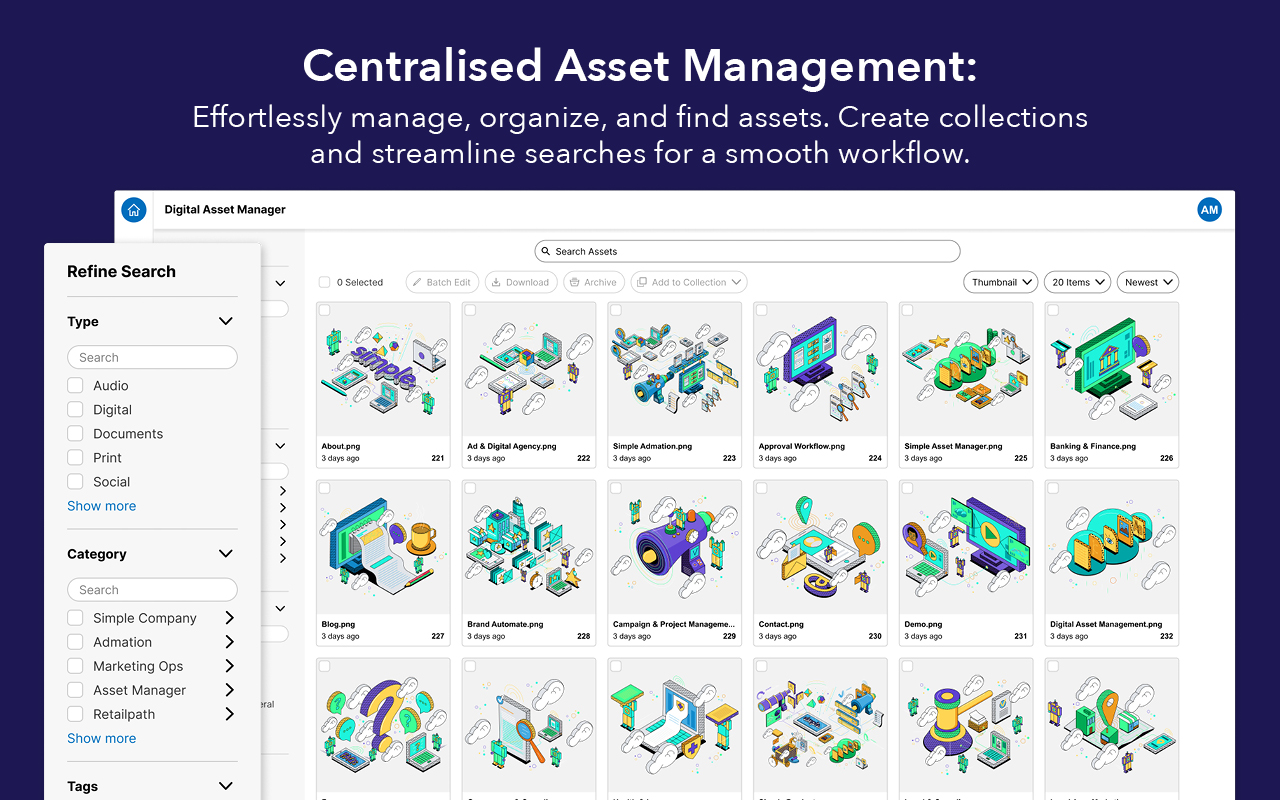
Simple Asset Manager is a cloud-based digital asset management (DAM) platform. It offers a Centralised Asset Library—a secure space where teams store images, videos, documents, and design files. This setup eliminates duplication, file chaos, and siloed storage. It also enables marketing and creative teams to work faster and with greater clarity.
Read more
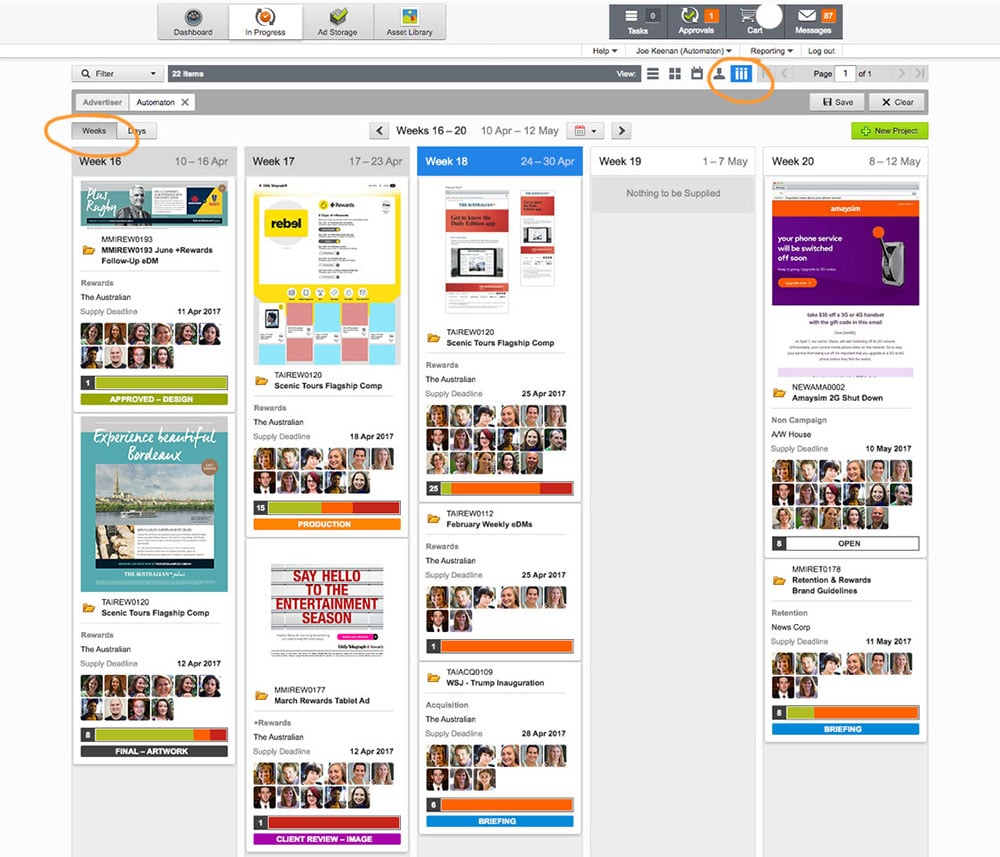
Managing marketing requests and project intake is one of the biggest challenges facing modern marketing teams and creative departments. Without an efficient, centralised intake process, request management becomes chaotic, slows down creative workflow, and increases compliance risks.
In today's fast-paced, content-driven environment, marketing teams are under pressure to deliver more campaigns, faster — while juggling complex stakeholder demands, compliance requirements and limited resources. If you're still handling requests through scattered emails, phone calls, or spreadsheets, you're likely wasting valuable time and money.
Read more
Effectively Managing the Creation and Approval of Brand Assets
Effectively managing the creation and approval of brand assets is essential for maintaining consistency and quality across all marketing materials. This article explores the complexities of version control and how marketing project management software can streamline these processes for organisations of all sizes. It covers the fundamentals of version control, highlights the high costs of poor management, and discusses advanced features in project management software that enhance workflow efficiency. Additionally, the article examines the integration of legal and compliance checks and outlines the tangible benefits of robust version control, including improved collaboration, reduced legal risks, and enhanced brand integrity.
Understanding Version Control: The Art of Keeping Up With Creative Evolution
The Challenge of Multiple Versions
Creating compelling marketing materials like white papers, social media graphics, and event banners often involves multiple iterations. Each version might have slight differences – a tweaked headline, an updated logo, or a revised colour scheme. While this iterative process is essential for crafting impactful content, it can also lead to confusion. With so many versions floating around, it's easy to lose track of which one is the most current and accurate. This lack of clarity can have serious consequences for your brand.
The High Costs of Poor Version Control
Inefficient version control can lead to several costly issues for your business:
Brand Inconsistency: Using outdated or incorrect versions of assets can create a disjointed brand image, confusing your target audience and diluting the overall brand impact.
Resource Wastage: Teams can waste significant time searching through and sorting through various versions of files, leading to inefficiencies and project delays.
Redundant Asset Creation: Without a clear version history, there's a high risk of unknowingly recreating assets that already exist, wasting valuable time and resources.
Excessive Revisions: Repeated and unnecessary rounds of revisions can inflate project costs and lead to missed deadlines.
Demystifying Version Control: Keeping Your Creative House in Order
What is Version Control?
Version control, at its core, is a systematic method for tracking and managing each iteration of a file. This process is particularly critical in environments where digital assets undergo frequent revisions, such as marketing departments. It is not a standalone system but a set of features integrated within online proofing software or marketing project management and approval workflow software.
The Essential Building Blocks of Version Control
entralised Repository: Version control features within marketing project management software function by maintaining a central location where all iterations of an asset are stored. This repository acts as the single source of truth, ensuring everyone on the team has access to the most up-to-date version.
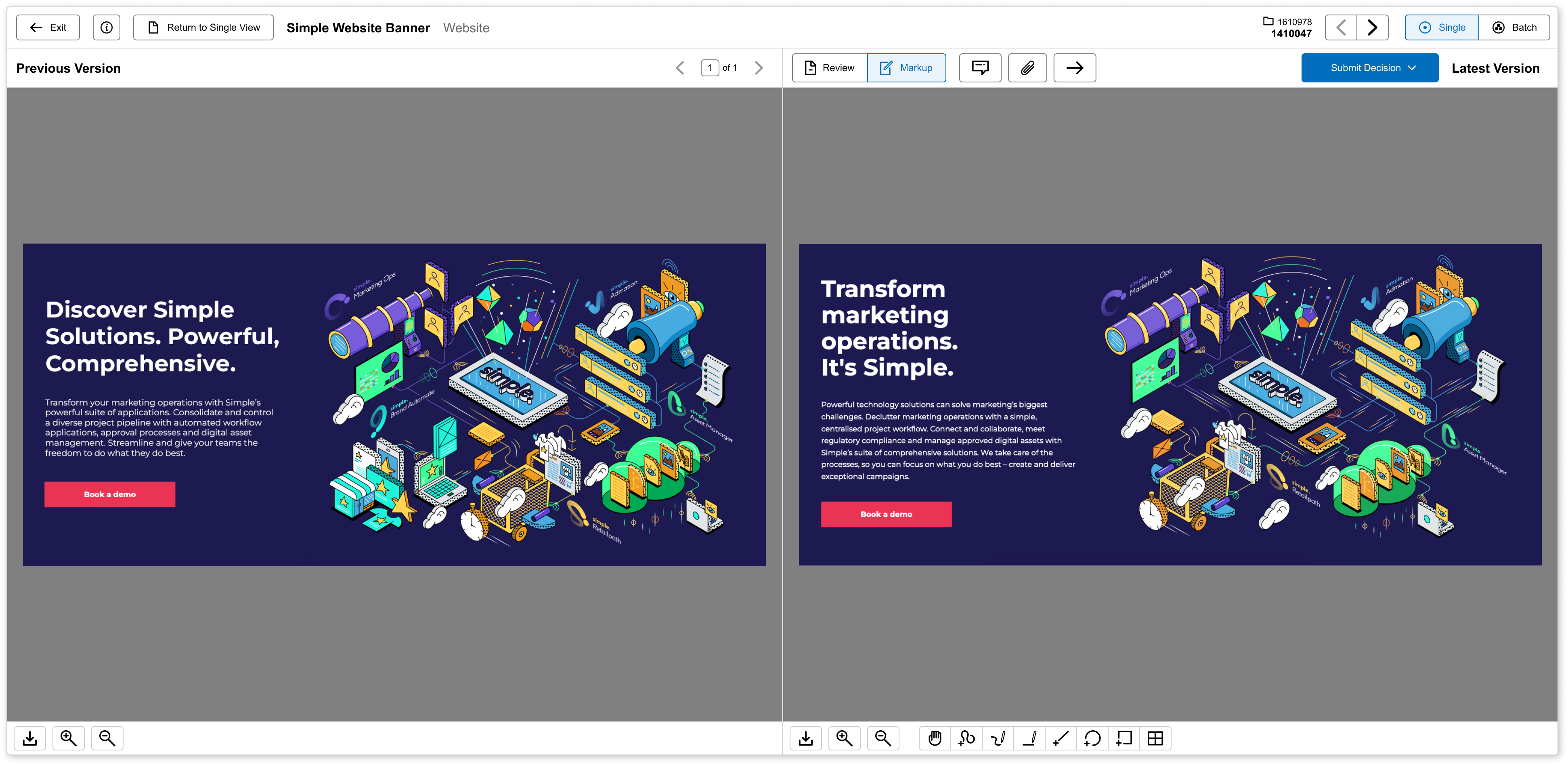
Comprehensive History Tracking: Every time a file is modified, the system creates a record of the change. This historical record includes details such as who made the change, the exact date and time of the modification, and a description of the specific alterations implemented. This level of granularity provides a clear audit trail for the asset's evolution.
Tracking Changes: One of the most valuable features of version control is its ability to track changes across different versions. This allows you to identify even the most minute differences between versions, such as text edits, design tweaks, or formatting adjustments.
Branching and Merging: Version control features empower teams to work on different aspects of a project simultaneously by creating branches. These branches can then be merged seamlessly, ensuring that the final version incorporates all approved changes.
Leveraging Advanced Features to Streamline Your Workflow
Marketing project management software takes version control to the next level by offering a suite of advanced features designed to optimise your marketing operations:
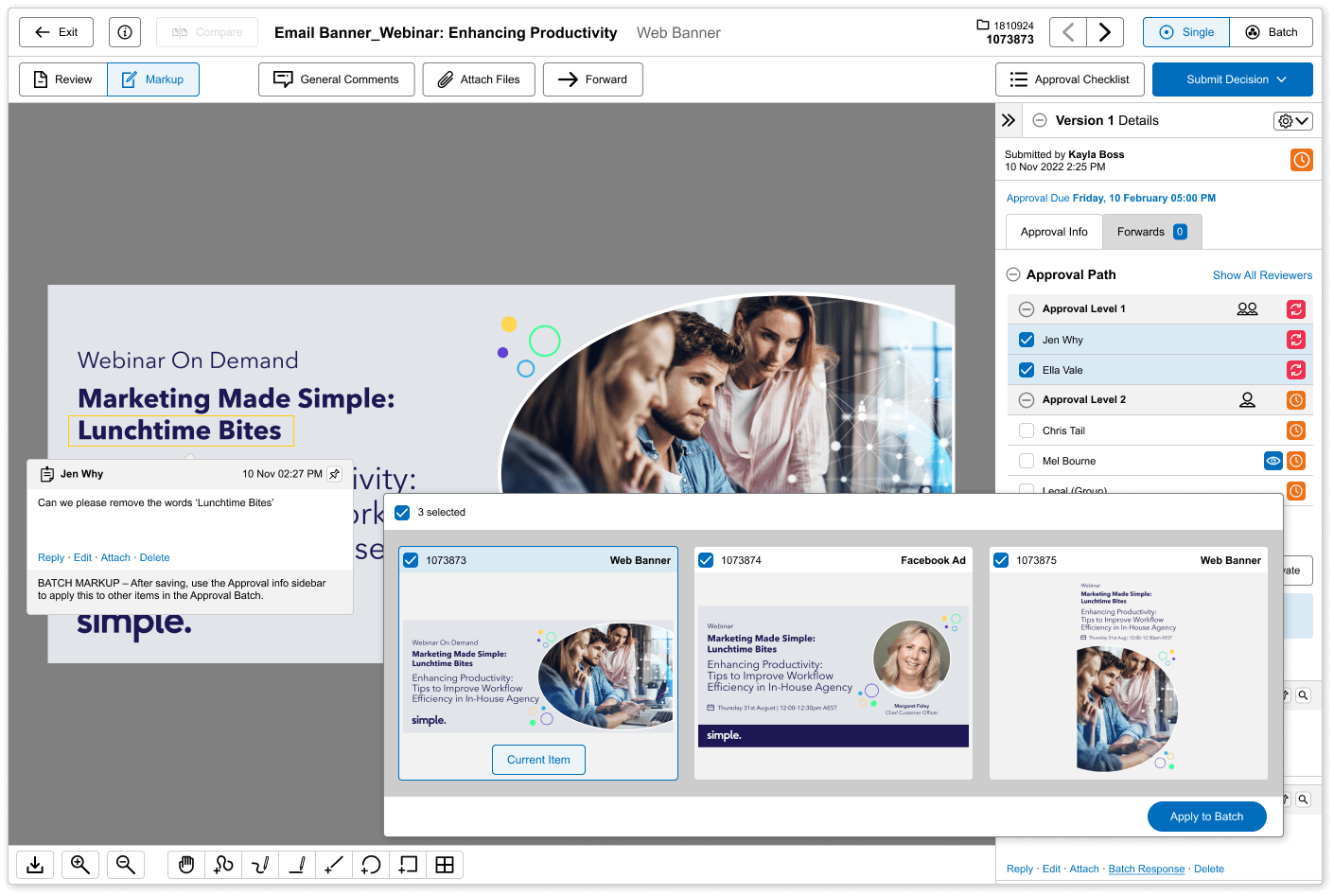
Online Proofing and Markup: This collaborative online proofing tool allows teams to review and annotate digital assets in real-time. It streamlines the feedback process, ensures that changes are made accurately, and maintains a clear record of modifications.
Batch Approval: This feature expedites the approval process by allowing for the simultaneous approval of multiple assets. Batch Approval promotes consistency across various marketing materials while reducing administrative burden.
Approval Checklists: These approval checklists provide a structured approach to reviewing assets, ensuring they meet all necessary criteria before being published. This reduces the risk of errors and omissions.
Tiered Approvals: The approval process often involves different stakeholders at various stages. For instance, initial concepts might require marketing manager sign-off, while final versions may necessitate legal or compliance team review. Tiered approvals streamline this process by ensuring the right people are involved at the right time.
Ensuring Legal and Compliance Integration
Marketing materials must comply with various legal and regulatory standards. Marketing project management software facilitates this by allowing legal and compliance teams to be seamlessly integrated into the approval process at necessary stages. This ensures that all content adheres to relevant regulations before publication.
The Tangible Benefits of Effective Version Control
Implementing a robust version control system through marketing project management software offers a multitude of advantages:
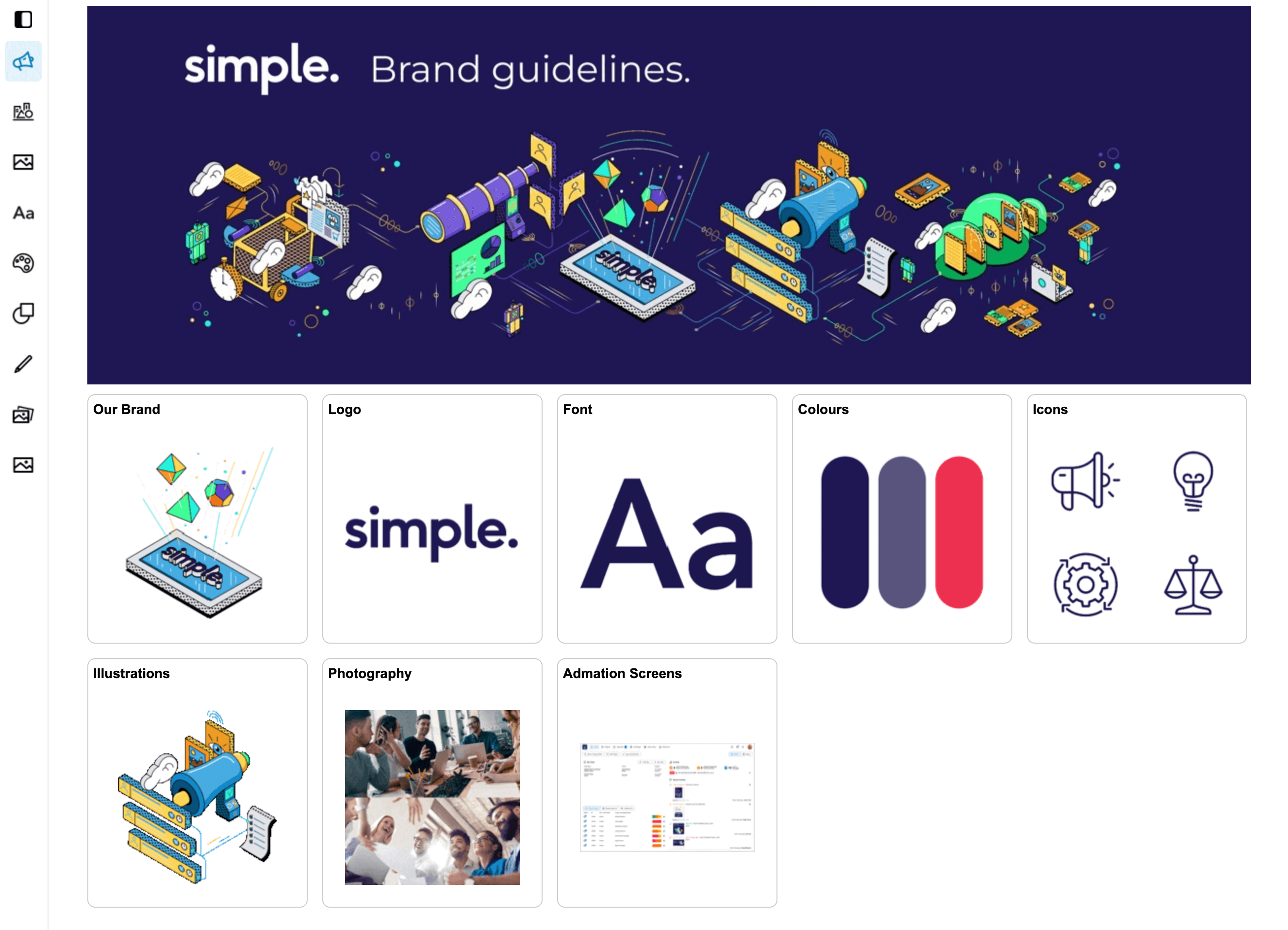
Enhanced Efficiency and Brand Integrity: Effective version control streamlines workflows, minimising the time and effort required for asset creation. This allows marketing teams to focus on strategic initiatives while maintaining consistent brand messaging across all marketing materials.
Reduced Legal Risks: The involvement of legal and compliance teams throughout the content creation process significantly reduces the risk of legal complications arising from non-compliant marketing materials.
Improved Collaboration: Version control systems enhance collaboration by providing a centralised platform where all team members can access the latest versions of assets and contribute their input. This fosters a more cohesive and productive working environment.
Clear Accountability: With detailed history tracking, it is easy to identify who made specific changes and when. This accountability ensures that team members are more mindful of their contributions and helps in resolving any disputes or discrepancies efficiently.
Disaster Recovery: Version control systems often include features that allow you to revert to previous versions of a file. This is invaluable in cases where a mistake is made, or an undesired change needs to be undone, protecting your assets from potential disasters.
Implementing Version Control: Best Practices
Best Practices for Efficient DAM Version Control
To ensure effective management of asset versions, establish version control policies and workflows that work well for every team. Consider the following:
Standardise Naming Conventions: Develop a consistent naming convention for files to ensure that all team members can easily identify and locate the correct versions of assets.
Assign Responsibility: Assign ultimate responsibility for proper version control on each asset. Determine who will take charge, whether it be a project manager, an appointed version controller for each project, or someone else.
Create Clear Processes: Write the rules and processes personnel should follow when uploading assets to ensure consistent version control across the system.
Integrate with Other Tools: Enhance your version control process by integrating it with other marketing tools, such as content management systems (CMS) and digital asset management (DAM) platforms, to streamline your workflow further.
Regular Training: Ensure that all team members are well-versed in using the version control features through regular training sessions. This will help in maximising the system's potential and minimising errors.
Frequent Backups: Regularly backup the central repository to prevent data loss and ensure business continuity in case of system failures.
Conclusion: Version Control - A Strategic Asset for Marketing Success
Effective version control is more than just a technicality; it's a strategic asset for successful marketing. By implementing robust version control features within marketing project management software, organisations can ensure brand consistency, enhance efficiency, reduce legal risks, and foster better collaboration. In an increasingly competitive market, these advantages can make a significant difference in your marketing efforts.
By optimising your version control processes, you are not only protecting your brand but also empowering your marketing team to deliver their best work efficiently and consistently. Embrace version control as a fundamental component of your marketing strategy to supercharge your marketing operations and achieve greater success.
Read more